Windows 10 Media Creation Tool Download Mac
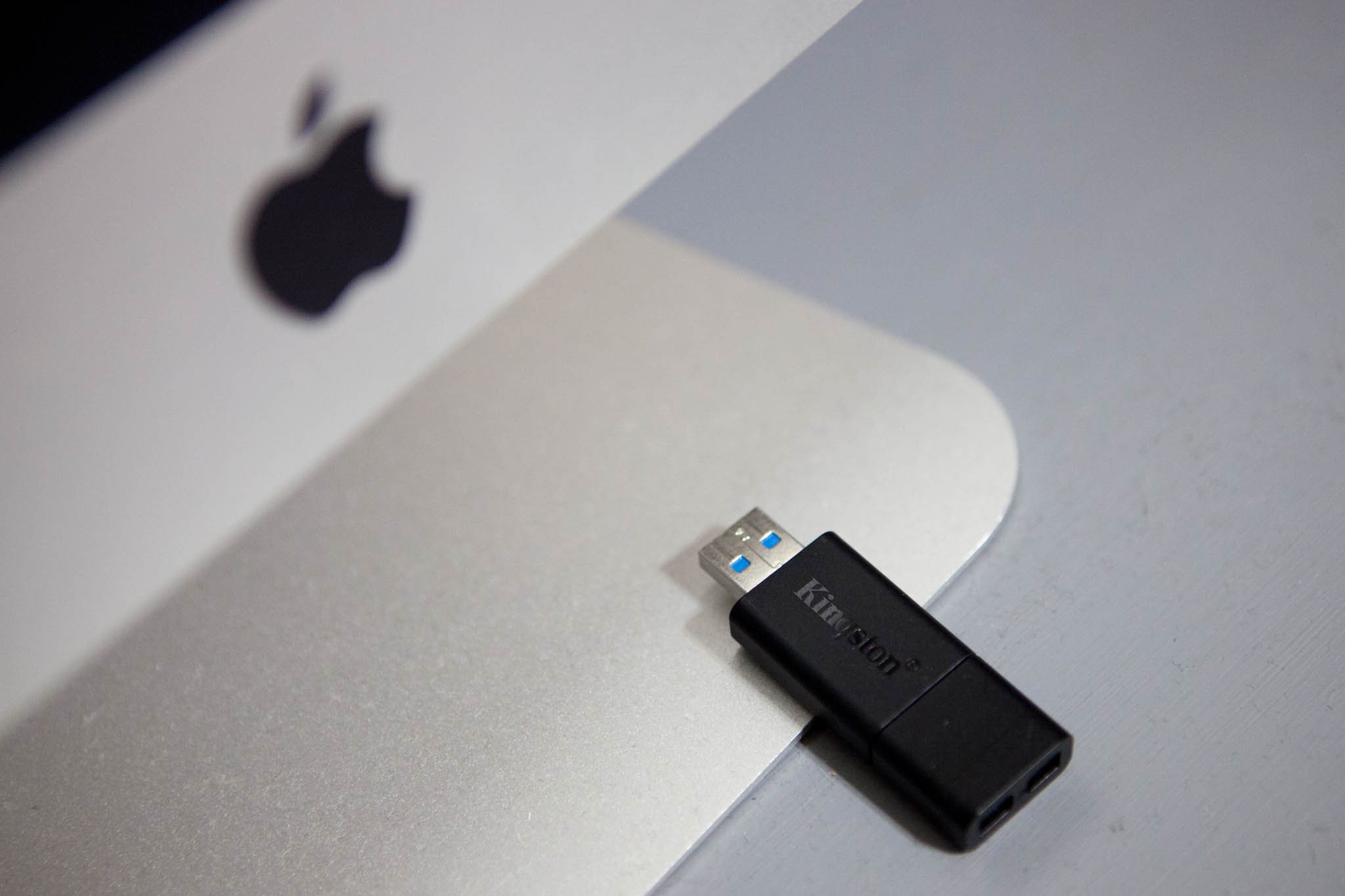
Nosotros previously showed you lot how to create a Windows 10 USB installation media when performing a make clean install of Windows ten, merely there might be an instance where the merely automobile you have bachelor is a Mac. Nosotros'll show you to create a bootable USB flash drive with the Windows 10 installer from a Mac. It's easier than yous remember, thank you to the built-in Boot Army camp Assistant from Apple.
Download Windows 10 Disc Prototype
First, you need to download the Windows 10 ISO file. Get to the download page and select the proper edition of Windows x in the dropdown menu. If y'all don't know what Yard, KN, or Single Language edition stands for, just select Windows 10 in the list.

Create USB installer with Boot Camp Assistant
After downloading the ISO file, you lot'll need to apply Kick Camp Assistant to motility information technology to a bootable USB drive.
- Insert a USB flash bulldoze to your Mac. Make sure information technology'south at least 8GB, which is usually marked on the USB stick. You can also check past right-clicking the USB drive on your desktop and clicking Become Info. Check if the number next to Capacity is at to the lowest degree 8GB. All the files in the drive will be deleted, and so make sure there are no of import documents inside.
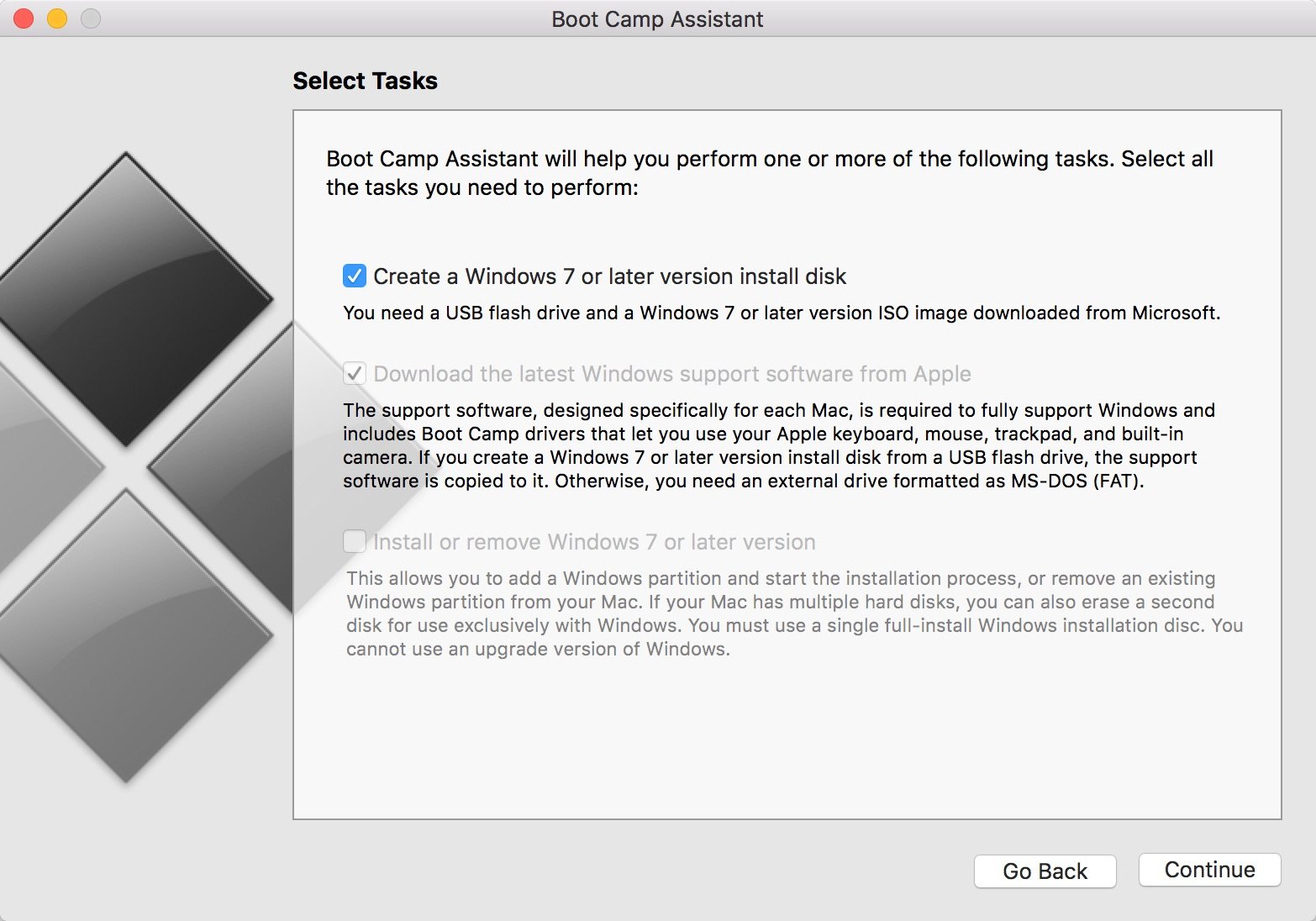
- Open Kicking Camp Assistant. The easiest way to launch it is through Spotlight Search, which you can bring up by pressing Command and Spacebar. Printing Enter to launch the app.
- Check the box for "Create a Windows vii or later on version install disk" and deselect "Install Windows vii or later version."
-
Click Continue to proceed.
-
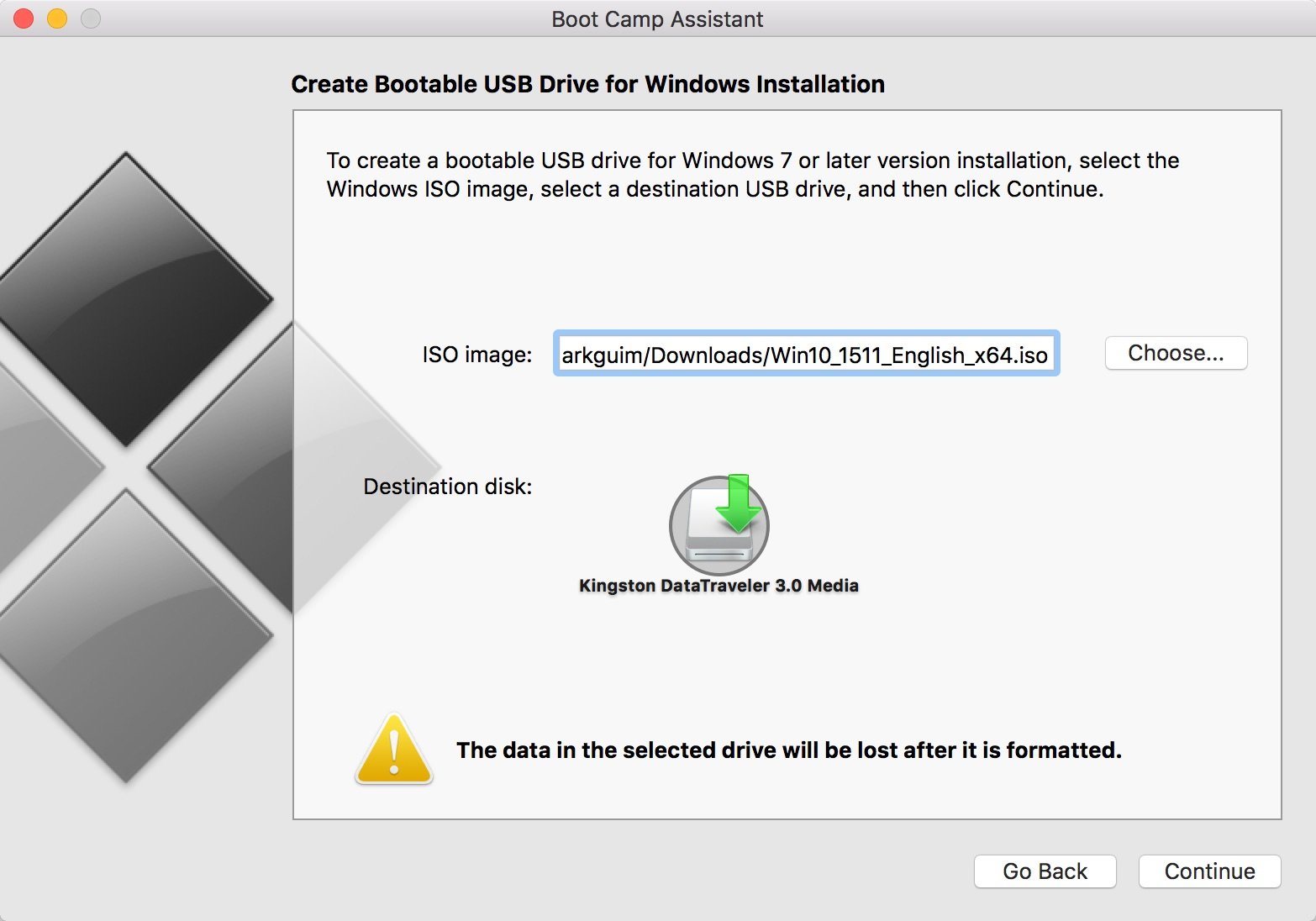
Boot Camp Assistant will automatically locate the ISO file from your downloads folder, just brand certain information technology is the right file. Click the "Choose…" push button and locate the ISO file. Make sure the destination disk is the USB thumb bulldoze yous've inserted.
-
Click Proceed. It can accept about 20 minutes to format and set upwardly the USB installer on the Mac.
-
When Boot Campsite Assistant is done, the USB drive will be renamed to WININSTALL. ClickQuit to close the app so Squirt the USB drive.
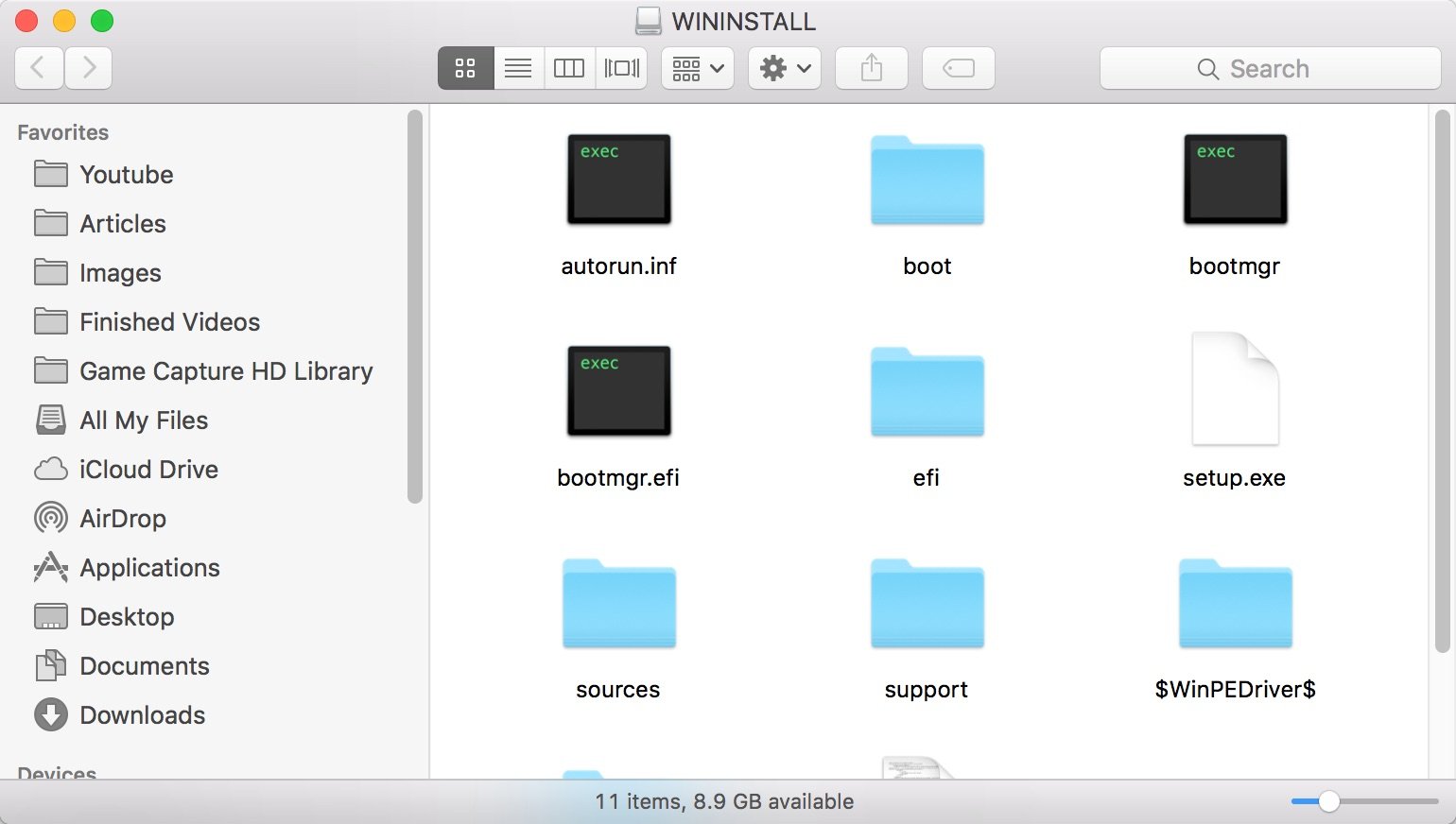


That's it! You at present have a bootable USB bulldoze with the Windows 10 installer. Y'all can apply it to configure new Windows x PCs from scratch. Nosotros told you lot it was easy!
Have you tried creating a Windows 10 installer USB drive from a Mac before? Did you see whatever issues? Allow u.s.a. know your experience in the comments.
Fast USB Storage
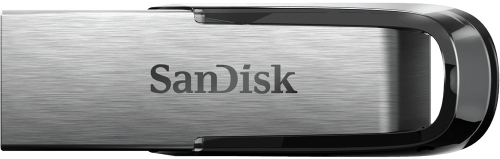
SanDisk 32GB Ultra Flair USB 3.0 Flash Drive
Our go-to for USB storage.
This compact USB wink bulldoze provides affordable USB three.0 storage flexing steady transfer speeds up to 150MB/s. Ideal for portable data storage, including any Windows installation.
We may earn a committee for purchases using our links. Larn more.

Rolling out of the Garage
On this week's podcast ... We epitomize the Windows xi event, and more!
We're dorsum with another exciting episode of the Windows Central Podcast, and this week, we report on Microsoft'due south hybrid work issue, new builds of Windows 11, and the possibility of putting Android on Surface Neo. There'due south also a new name and wait for Microsoft's Periodical app, an interesting mini PC coming from Apcsilmic, and more.
More than reasonable
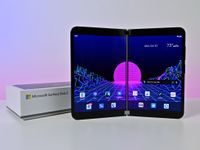
Microsoft's Surface Duo 2 is now simply $999 — its lowest price ever
We have some good news if you're on the fence well-nigh Microsoft's Surface Duo ii due to the loftier toll. Microsoft, Amazon, and All-time Buy are now offering the dual-screen Android phone for $999 — a savings of $500 off the original price. Toss in a merchandise-in, and you tin can have information technology even cheaper.
Windows 10 Media Creation Tool Download Mac
Posted by: weigandwompas.blogspot.com


0 Comments